


Stay Committed, Achieve Your Goals, or Pay the Penalty
The to-do app where you create a task and set a penalty in case you miss it. So finish what you start and stay committed to your goals.
Follow our journey




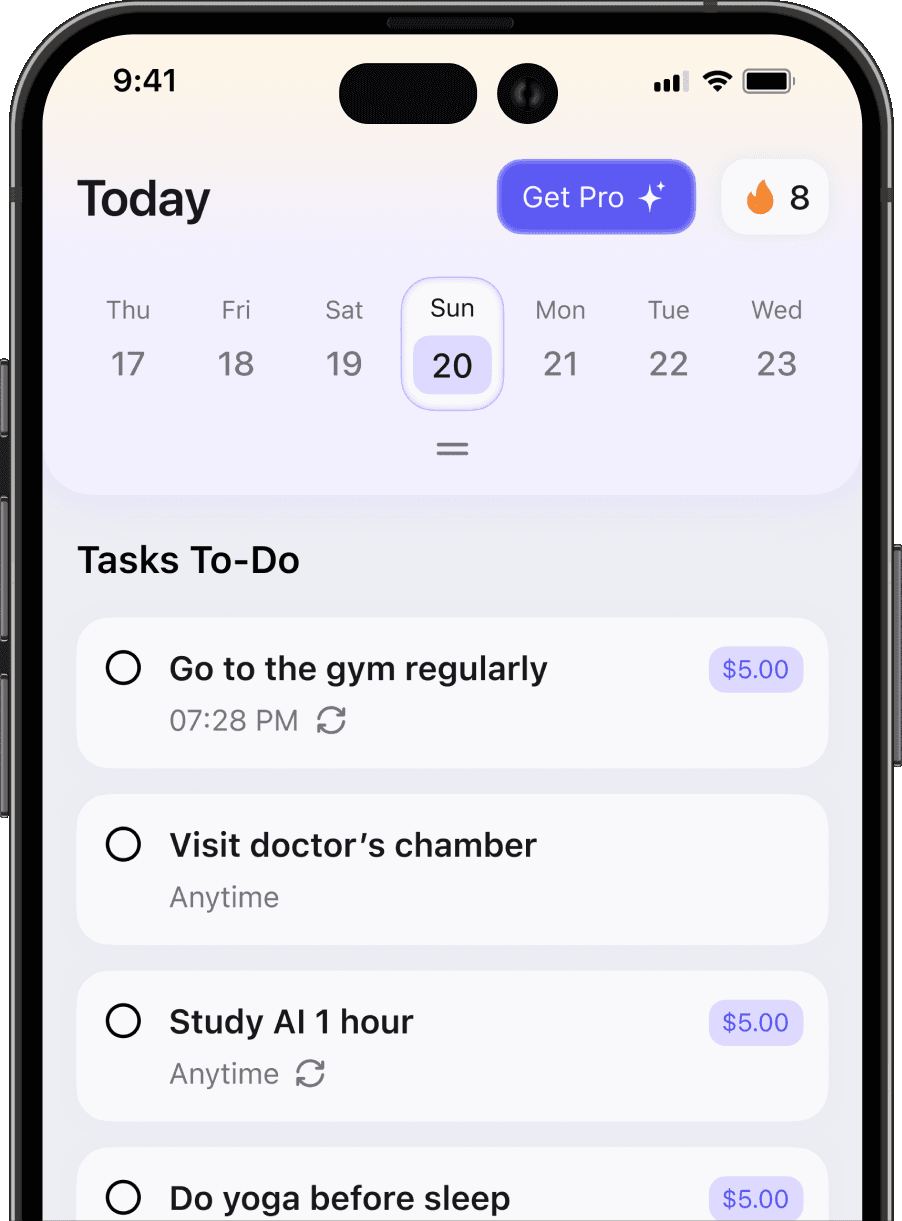

One App for a Committed, Productive Life
Features that keep your day locked in
- 01 / 03
Caplar does everything your regular tasks need. Besides manual task entry, we have AI task creation to save you time and make it smart.
- 02 / 03
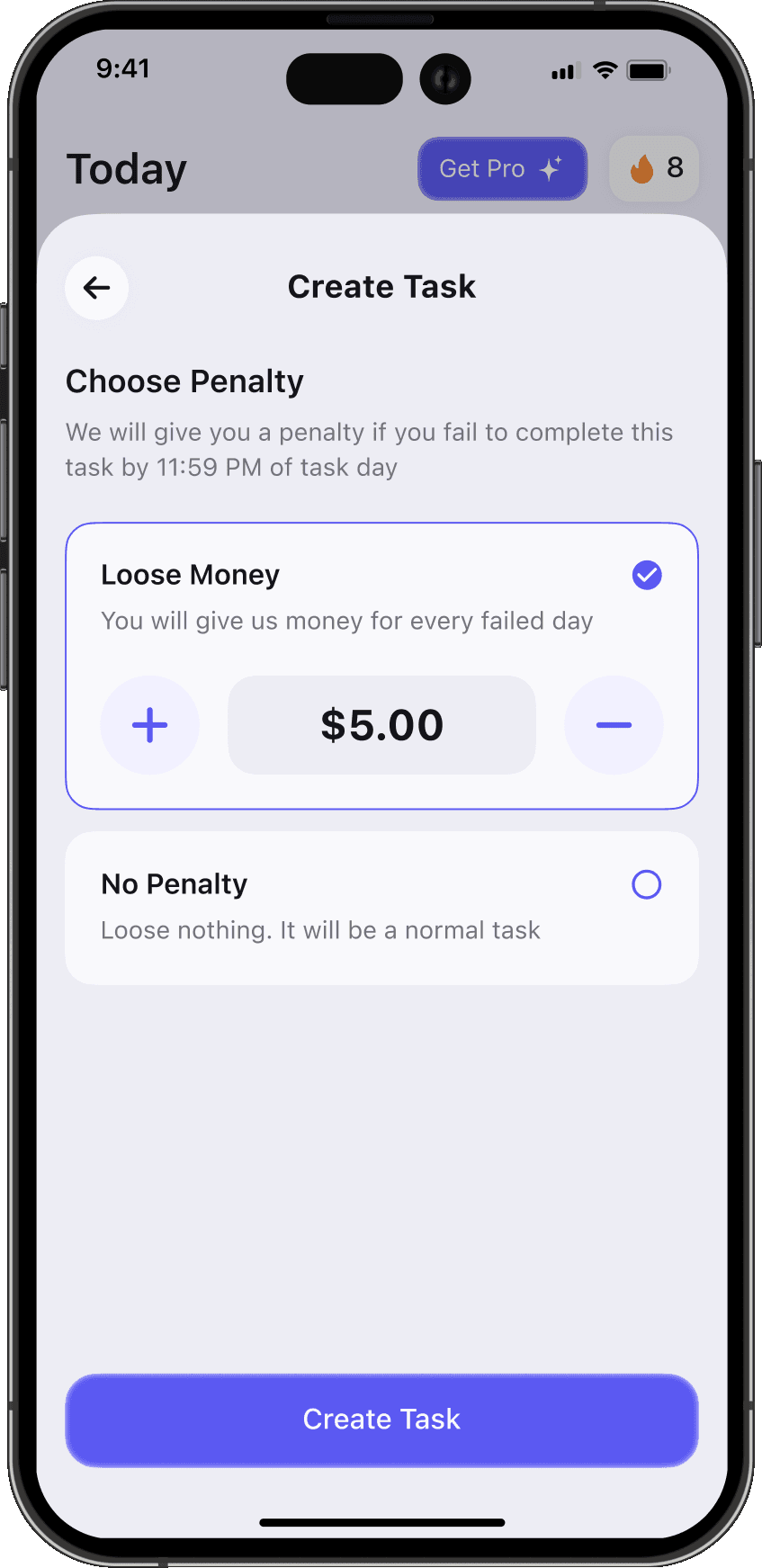
Want to stay committed to a goal? Just set a penalty, so Caplar holds you accountable when you fail. Don’t worry, it’s optional.
- 03 / 03
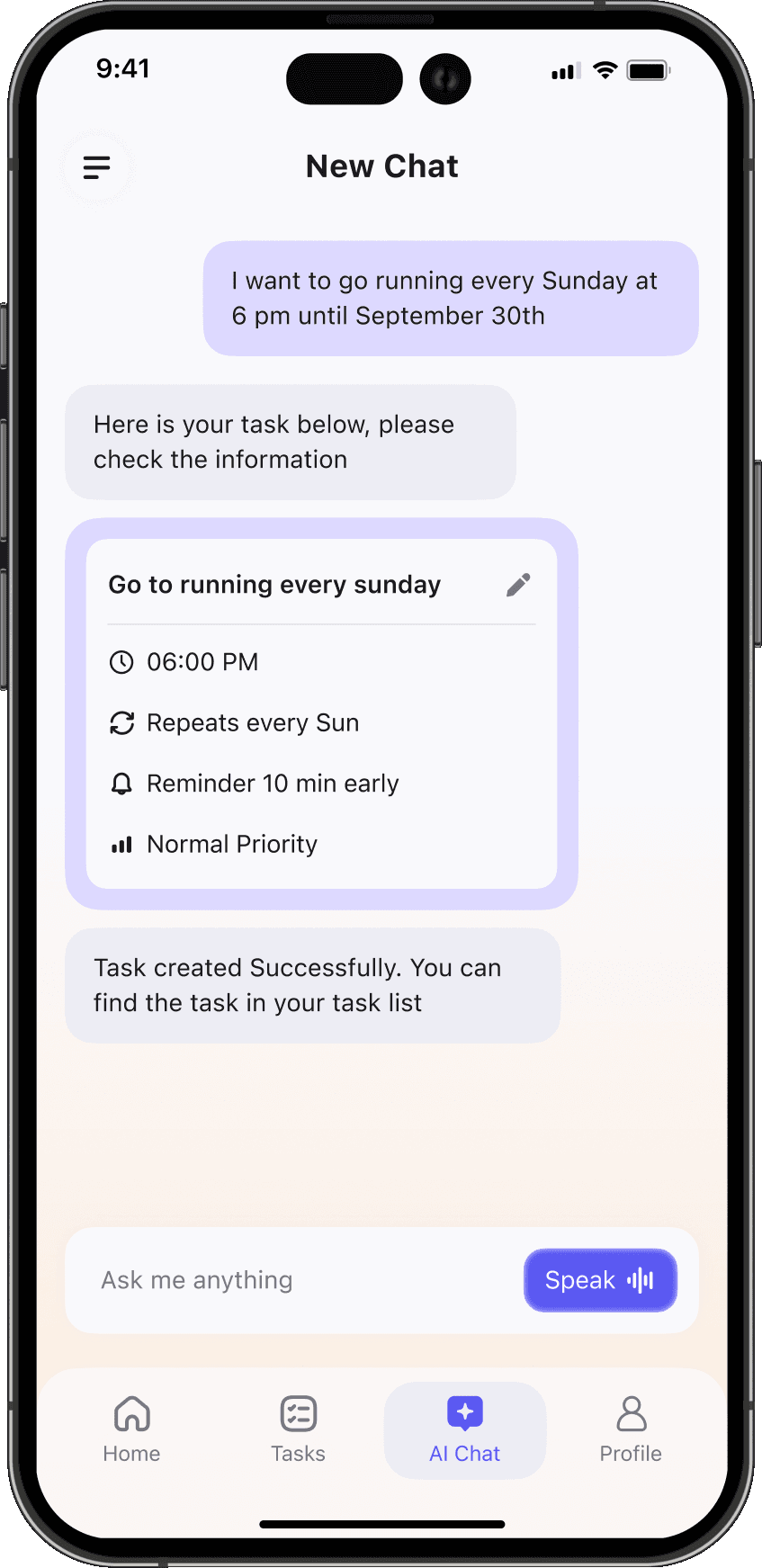
Our AI assistant knows all of your tasks. Just ask what you want to know without searching through the task list.
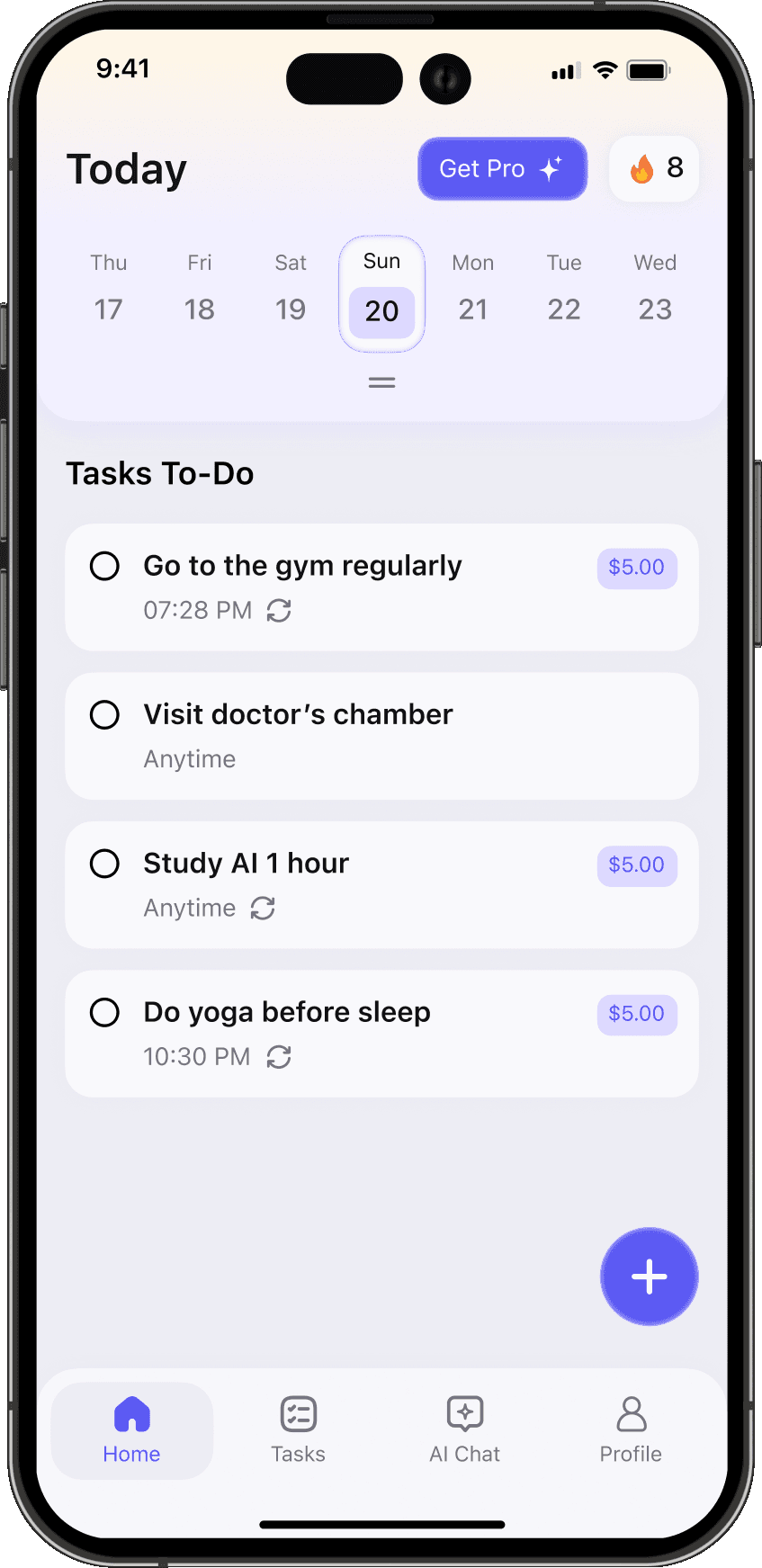
Use it like a regular to-do app
Caplar does everything your regular tasks need. Besides manual task entry, we have AI task creation to save you time and make it smart.
Built to Keep You Going
Pick your pressure, then watch the progress add up
Choose how much you want to put on the line

Use it as a chill to-do app

Or go strict with penalties
See how each of your goals is going
Go to the gym
Done4/7 days
Failed days2
Penalty10$
Study 1 hour daily
Done6/7 Days
Failed days0
Penalty0$
Wake up 8 am
Done3/7 Days
Failed days2
Penalty0$
Play football on weekends
Done2/12
Failed days2
Penalty0$
Track your progress as you go
 50%
Completion Rate
 60%
 40%
 24Scheduled
 6Times Failed
 12Committed
 2Perfect Day
Daily streaks keep you moving
This Week
 FriSatSunMon
 TueWedThu
Streak Calendar
 Jun 2026


Earn badges as you keep showing up


The Dedicated
50 tasks completed
Achievements


Mover
7 days


Pacer
15 days

Gainer
50 days

Achiever
100 days

Locked In
150 days

Winner
200 days
How Penalty Works
- 1
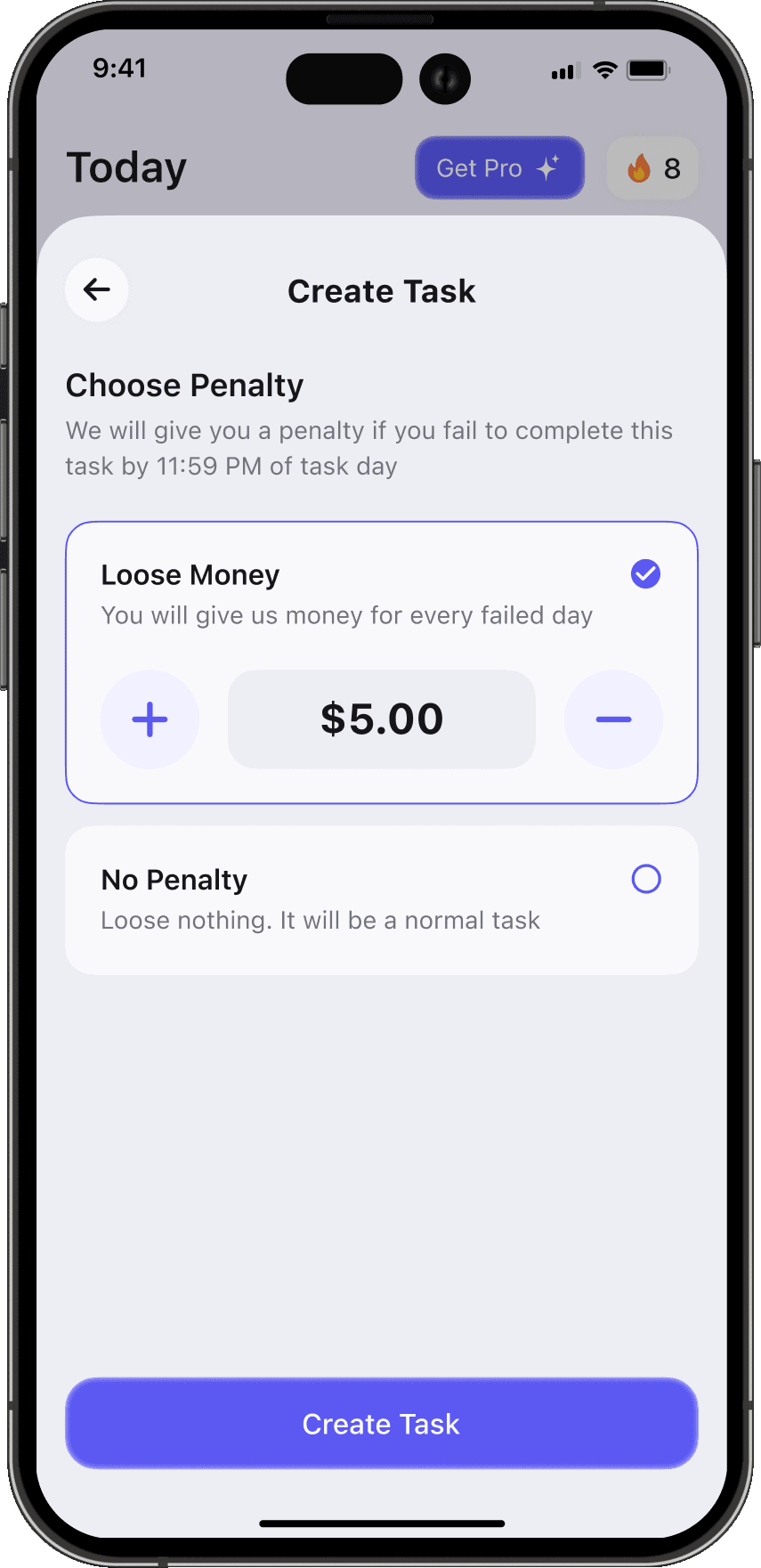
While creating a to-do task, you can add a failure penalty if you want to. Or you can go normally.
- 2
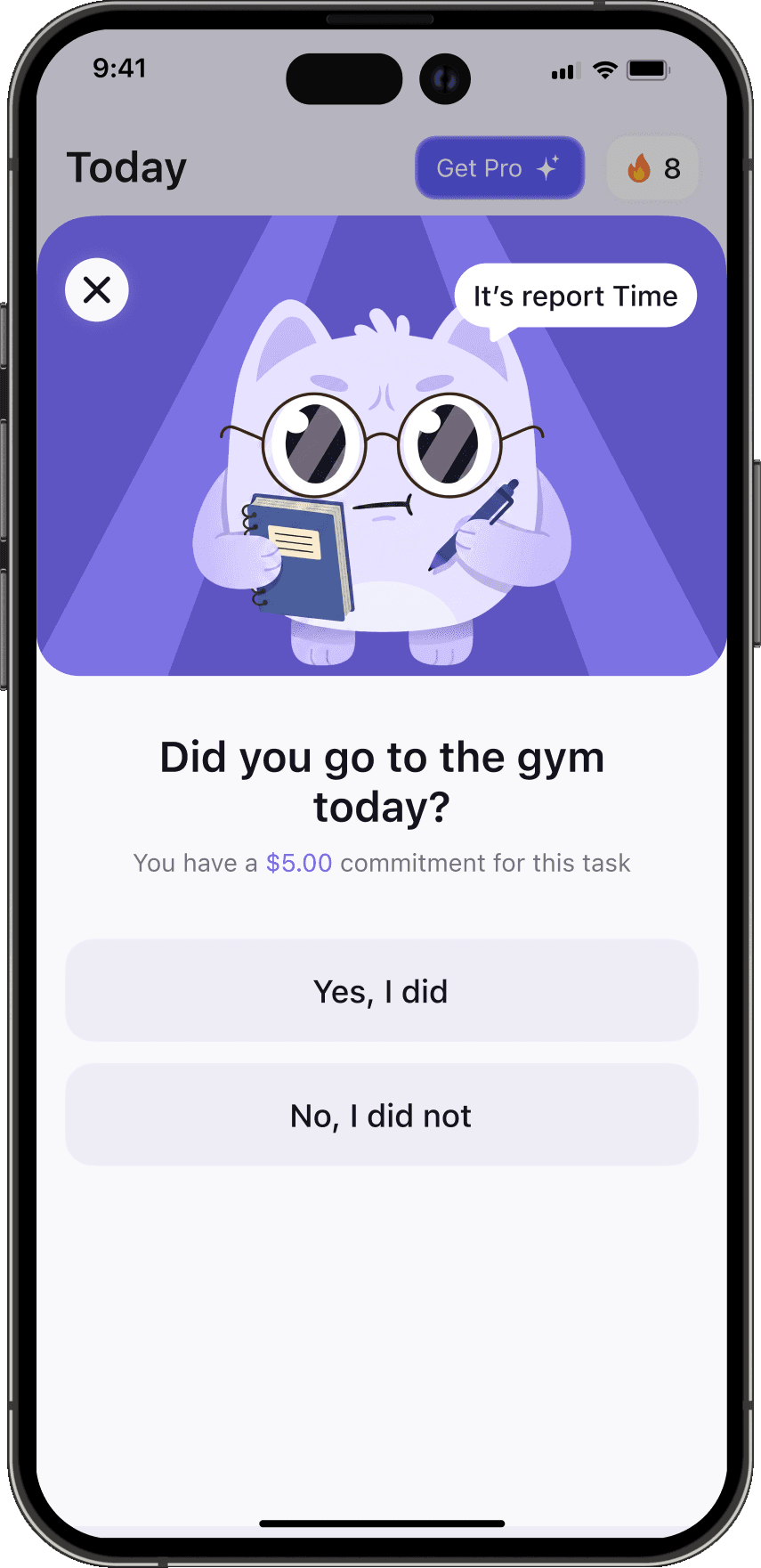
Before the day ends on task day, let us know if you completed the task or not.
- 3
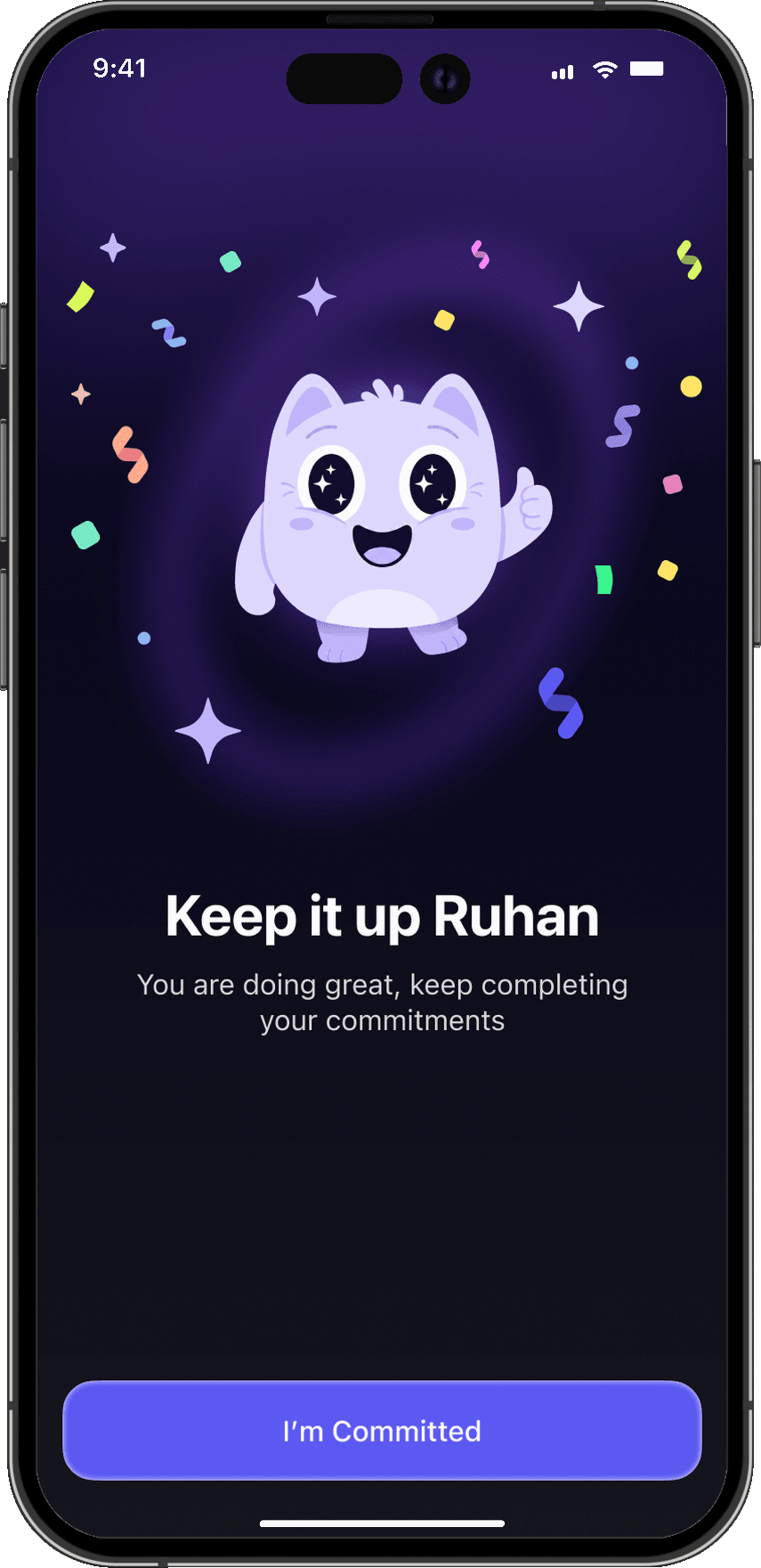
If you complete and keep your commitment, you are good to go.
- 4
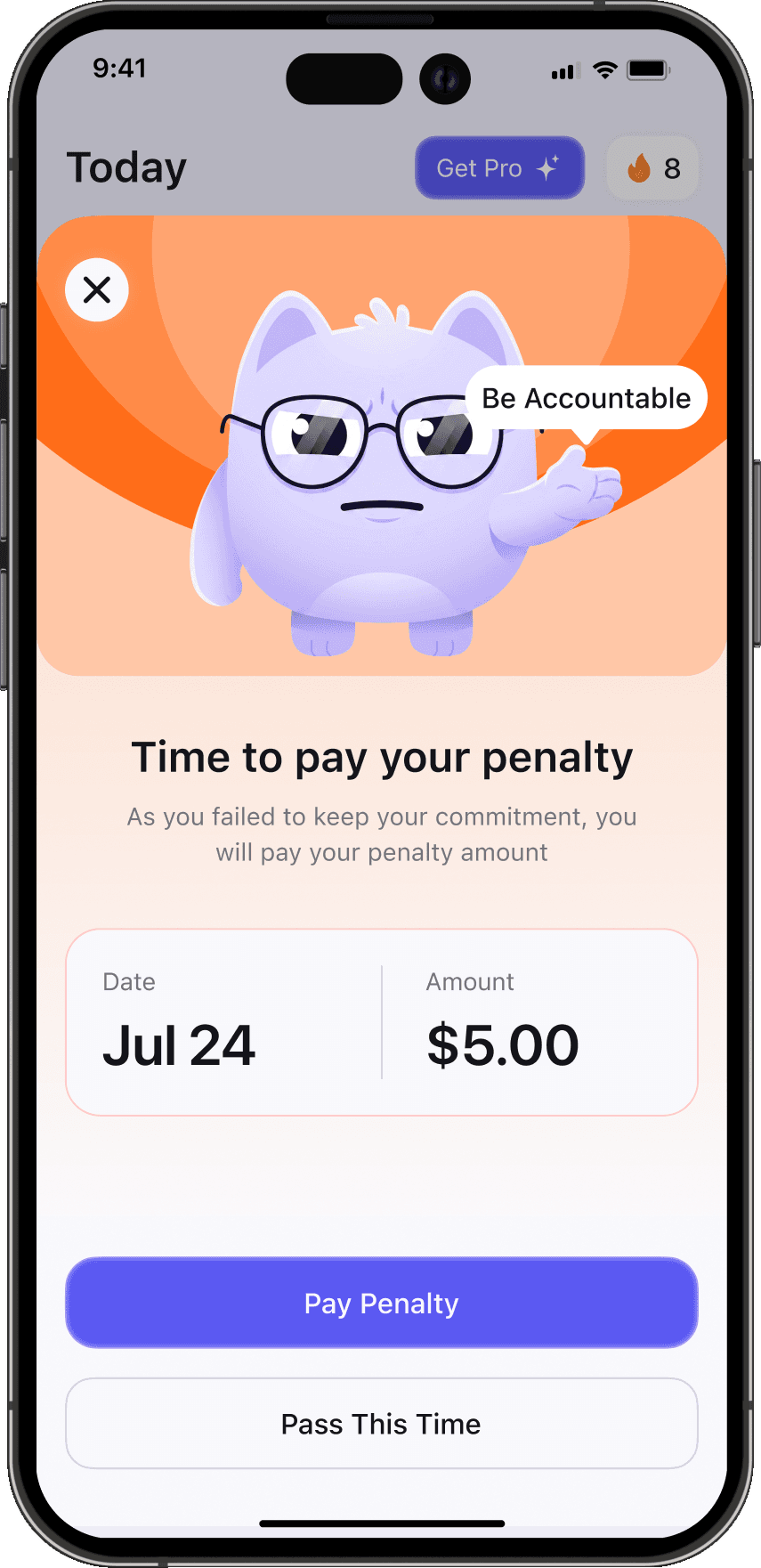
If you fail or miss the task, you will pay the penalty you chose before. But remember, you can always appeal to skip.
While creating a to-do task, you can add a failure penalty if you want to. Or you can go normally.
The AI Assistant You Always Needed
One AI to manage your daily goals
Ask Capi what you want
Create Task Through Chat

New Chat


Hey! How can I help you today?


Why Caplar Works When Other Apps Don't
The missing pieces behind a consistent life

Caplar

Real money at stake
Put money on a task, so skipping it actually costs you
Daily check-in
Mark tasks done by 11:59 PM and Caplar keeps you honest
Streaks and badges
Progress you can see, and won't want to break
AI task creation
Describe your day and let the AI schedule it for you
Regular To-Do Apps

No consequences
Skipping a task costs you nothing, so it's easy to skip
Easy to ignore
Overdue tasks quietly pile up until you stop opening the app
Little motivation
A checkbox is the only reward for getting things done
Manual everything
You type in and organise every single task yourself
Frequently Asked Questions
The questions people ask most
No. Every task has a "No Penalty" option — it behaves like a normal to-do with no money attached. Stakes are there for when you want extra pressure.
Mark it complete by 11:59 PM on the day it's due. Caplar checks in at the deadline, not before. If you complete it on another device, it still counts once it syncs, before your weekly charge.
Once a week, on the first day of your week, from 6 PM your time. Everything you owe is charged together. If you owe nothing, nothing is charged.
Penalties support Caplar's development. We'd like to give part of them to charity in the future, and we'll tell you here when we do.
Cards and Apple Pay are saved by Stripe, and Caplar never sees or stores your full card number. You can change or remove your card any time in the app under Settings → Payment Method.
Caplar is being built for iOS first. Sign up for early access and we'll email you the moment it's available.